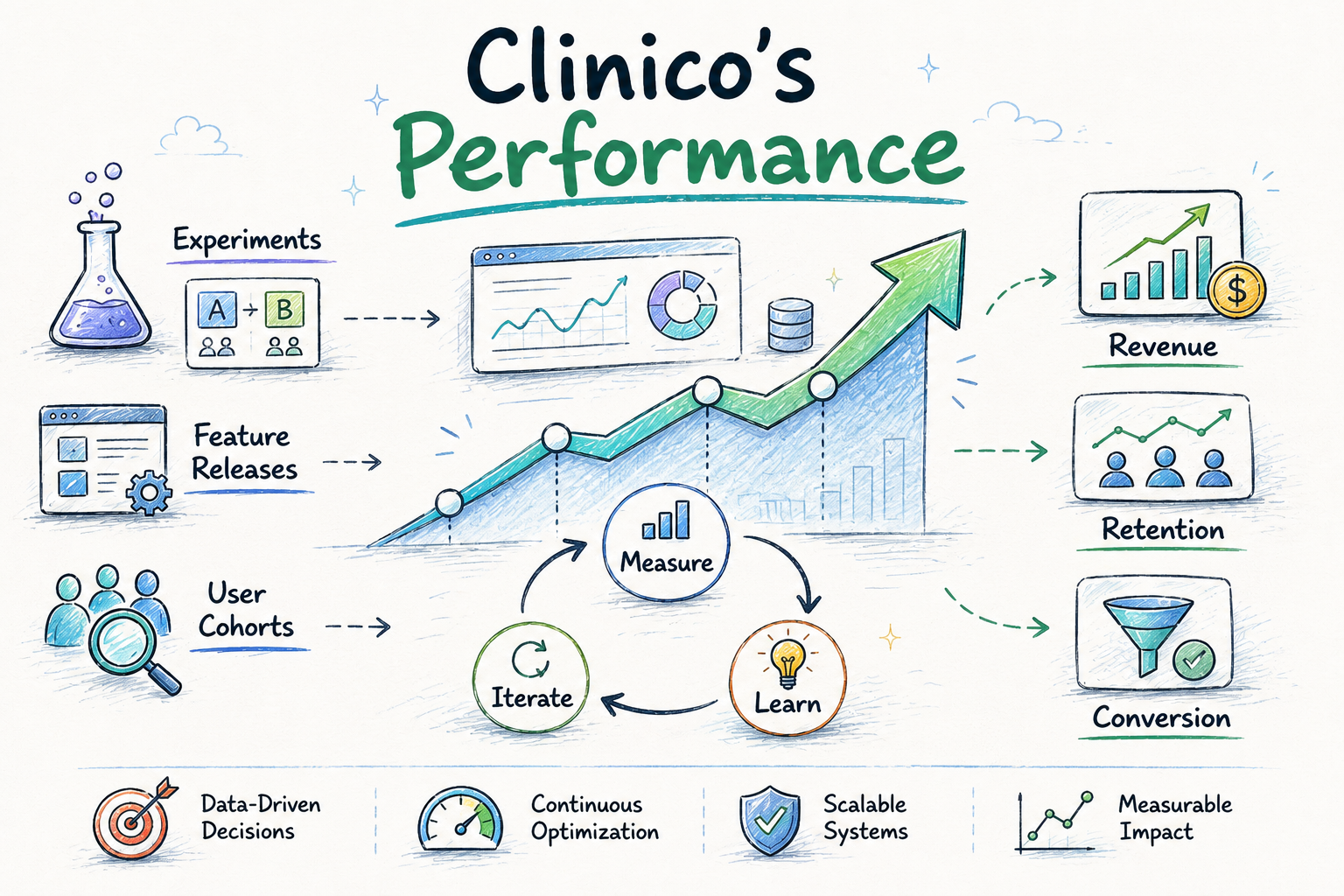
The Problem
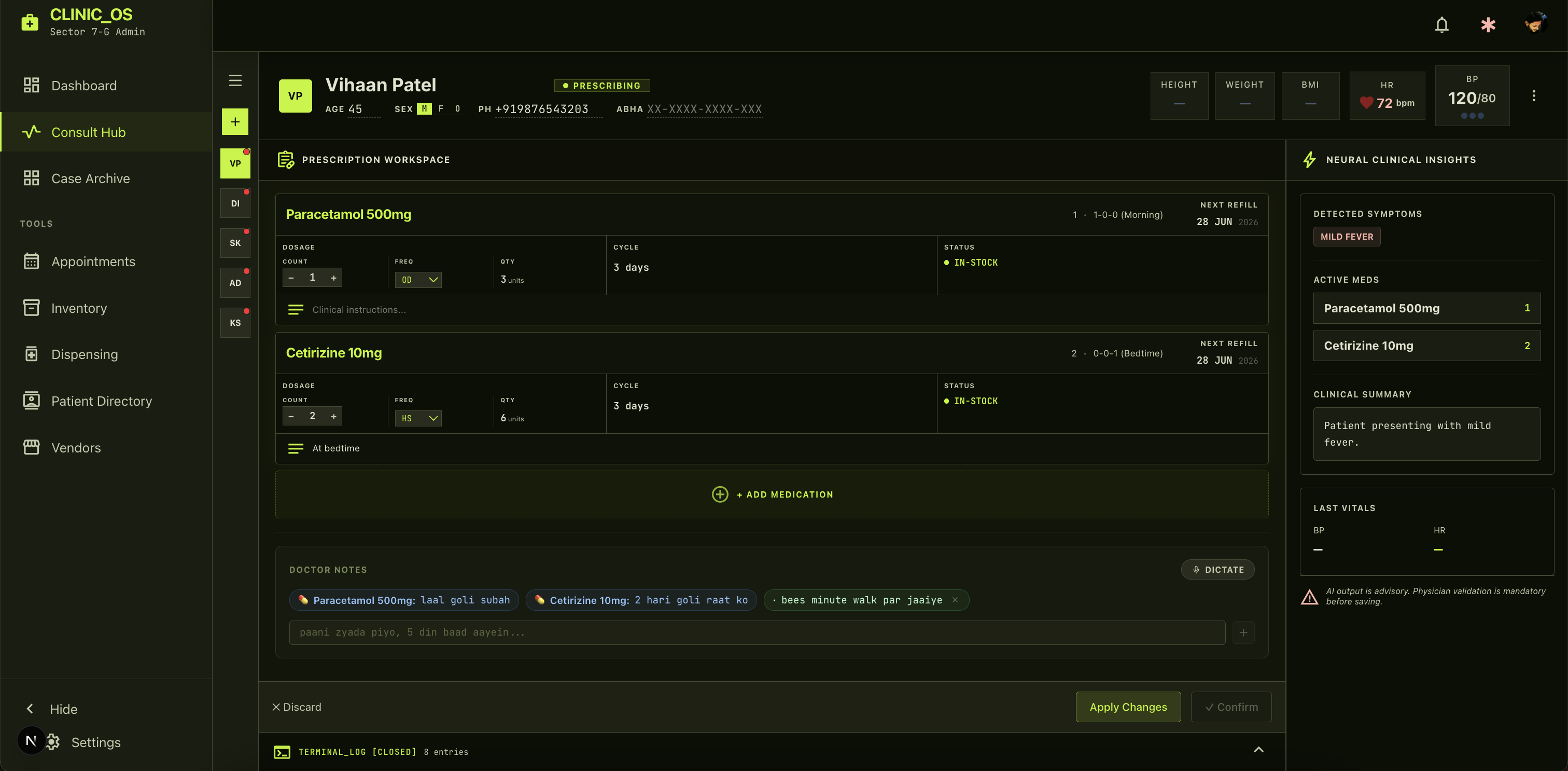
I built ClinicOS with my brother, who is a doctor. I designed it by sitting in his clinic, observing his workflow, and watching him work. As someone who likes to attack a problem fast, wrap it up, and keep moving, I know exactly how deeply a loading screen kills momentum when you have 500 other things to take care of.
ClinicOS handles real-time AI transcription of consultations, auto-generated prescriptions, and appointment queuing. The stack is Next.js 14 App Router, PostgreSQL on Neon, Prisma ORM, and TypeScript — deployed on Vercel.
When I first built it, every page load took 5–9 seconds. Opening the Appointments page or Inventory meant staring at a blank screen that eventually flashed data in all at once.
For my brother, waiting on a spinner is worse than an annoyance. There are ailing patients sitting outside; just walking into the exam room gives those patients the assurance that they are finally going to get better. A doctor cannot provide that presence if they are stuck at a desk, staring at a blank screen waiting for a patient's history to load.
In a clinical environment, a 5-second delay isn't a "UX bottleneck" — it is a product-killing problem. This is the story of how I found the root causes and fixed them, ordered by actual impact.
Step 1: Measure Before You Touch Anything
The first instinct when something is "slow" is to start optimizing. The correct instinct is to instrument first.
I dropped some server-side timing into the appointments GET handler:
console.time('[APT] doctor lookup')
const doctor = await getDoctorByUserId(userId)
console.timeEnd('[APT] doctor lookup')

console.time('[APT] appointment query')
const appointments = await db.appointment.findMany({ ... })
console.timeEnd('[APT] appointment query')
The dev server logs told the real story immediately:
[APT] auth():                    3ms   ✅
[APT] doctor lookup:          1449ms   🔴
[APT] appointment query:      2765ms   🔴
[APT] total GET:              4220ms
The page navigation itself (GET /tools/appointments) was 19–28ms. Fast. The slow part was entirely the API data fetch — and within that, the doctor lookup alone was costing 1,449ms before a single appointment was even queried.
Step 2: The Real Root Cause — TCP Latency
A direct TCP connect test to the Neon database endpoint revealed the truth:
TCP connect to ep-red-recipe-aqh8so5n-pooler.c-8.us-east-1.aws.neon.tech:5432
→ 1,589ms
The development machine was wherever I happened to be traveling — at the time, India — while the Neon database was sitting in us-east-1, Virginia. Every query was crossing 11,000 km of undersea cable. Twice. This wasn't negligence; it was just the reality of building on the go with a cloud DB you provisioned once and never thought about again.
The full cold connection cost broke down like this:
| Step | Cost |
|---|---|
| TCP connect (port 5432) | ~1,589ms |
| TLS 1.3 handshake | ~300ms |
| PostgreSQL auth | ~200ms |
| Total cold connection | ~2,089ms |
With two sequential DB calls per request (doctor lookup → appointment query), I was paying this penalty twice. That alone accounted for 4–5 seconds of the observed latency — before any query execution time.
Your dev environment latency ≠ your production latency, but it absolutely predicts which queries will hurt in production when your users are geographically distant from your DB.
The Fix Stack
I implemented nine distinct fixes, ordered here by measured impact.
Fix 1: The WebSocket Adapter — Stop Paying for TCP Handshakes
The root problem was port 5432 over TCP. My fix was switching to the Neon serverless WebSocket adapter, which tunnels the PostgreSQL wire protocol over port 443 (HTTPS):
// Before: TCP :5432 → 1,589ms cold connect
const db = new PrismaClient()

// After: WebSocket :443 → reuses HTTPS session
import { PrismaNeon } from '@prisma/adapter-neon'
import { Pool, neonConfig } from '@neondatabase/serverless'
import ws from 'ws'

neonConfig.webSocketConstructor = ws
const pool = new Pool({ connectionString: process.env.DATABASE_URL })
const adapter = new PrismaNeon(pool)
const db = new PrismaClient({ adapter })
Port 443 already has an established TLS session from the app itself. The WebSocket upgrade rides on top of it — no new TCP handshake for subsequent queries. This is particularly important for Vercel serverless functions, which drop and recreate connections constantly. Every cold-start was paying the full 2,089ms connection tax. Now it doesn't.
Measured result:
| Call | Before | After |
|---|---|---|
| Cold (first request) | 4,200–8,800ms | ~600ms |
| Warm (subsequent) | 4,200ms | ~298ms |
14× faster on warm calls. This is the single change that moved the needle most.
Fix 2: Database Indexes — Stop Scanning Every Row
I had no indexes on any of the critical query columns. Every lookup was a full table scan — Postgres reading every row in the table to find a handful of matches.
I wrote a single Prisma migration to add five critical indexes:
| Model | Index | Query Eliminated |
|---|---|---|
Appointment | (doctorId, scheduledAt) | Full scan on every appointments page load |
Appointment | (doctorId, status) | Queue filter on status |
Medicine | (clinicId) | Full scan on inventory page |
Encounter | (doctorId, createdAt) | Sequential scan on dashboard metrics |
SalesRecord | (dispensedAt) | Sequential scan on velocity queries |
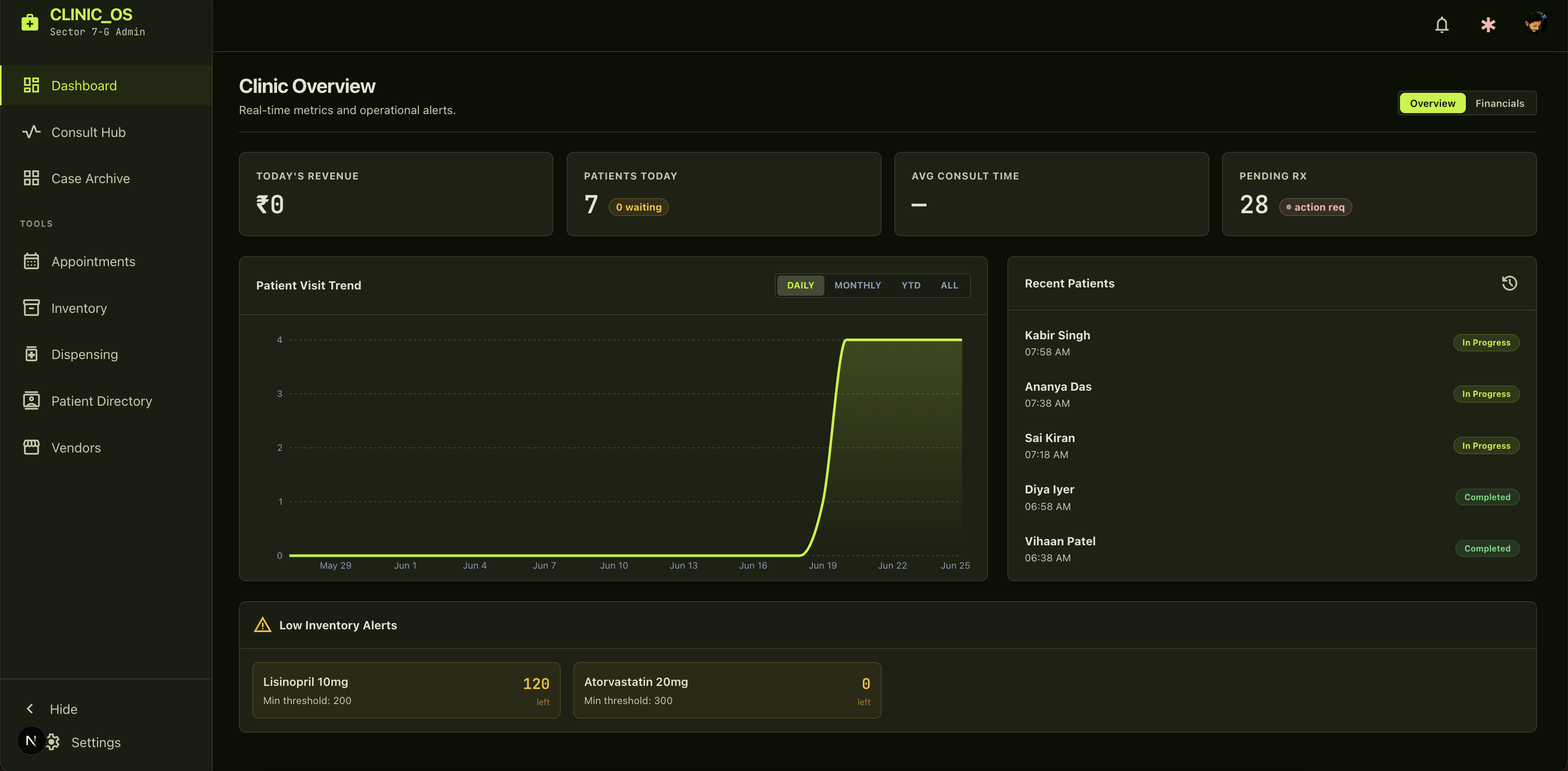
With indexes in place, once the Neon connection is warm, query execution time dropped from ~500ms to ~30ms.
Fix 3: In-Process Caching — Stop Querying What Doesn't Change
db.doctor.findUnique({ where: { clerkUserId } }) was being called on every single API route. Each call paid the full Neon round-trip.
I fixed this with a module-level Map with a 5-minute TTL:
const doctorCache = new Map<string, { doctor: Doctor; expiresAt: number }>()

export async function getDoctorByUserId(userId: string | null) {
  if (userId) {
    const cached = doctorCache.get(userId)
    if (cached && Date.now() < cached.expiresAt) return cached.doctor // 0ms

    const doctor = await db.doctor.findUnique({ where: { clerkUserId: userId } })
    doctorCache.set(userId, { doctor, expiresAt: Date.now() + 5 * 60_000 })
    return doctor
  }
  return db.doctor.findFirst()
}
Note on Serverless Volatility: Yes, serverless memory is volatile and Vercel containers tear down. But doctors use this app in dense, continuous 4-hour blocks. Once a container warms up for a clinic's burst of traffic, the cache hit rate is near 99% during their shift. A Redis roundtrip would be 30ms; local memory is 0ms. I took the 0ms.
Fix 4: Remove Unbounded AuditLog Queries — The N+1 Trap
The appointments GET handler was running two AuditLog queries on every page load:
// No take, no date filter = entire table, grows unboundedly
const auditLogs = await db.auditLog.findMany({
  where: { clinicId, entityType: 'APPOINTMENT' }
})
This first query had no take limit and no date filter. On Day 1, with 10 logs, it took 5ms. On Day 30, with 5,000 logs, it was taking 300ms. By Year 1, dragging all that data into Node.js memory would have started causing Vercel function timeouts or OOM crashes.
The fix: I removed both audit queries from the primary GET entirely and created a separate lazy endpoint that only fires when the doctor explicitly opens the audit panel. Zero audit queries on page load.
Fix 5: Nested Prisma Joins — Let Postgres Do the Work
The dashboard had an artificial 2-batch query pattern. Batch 1 fetched all encounter IDs into Node.js memory. Batch 2 then used those IDs as a Postgres IN filter.
// Before: 2 sequential awaits, IDs loaded into memory
const [doctorEncounters] = await Promise.all([
  db.encounter.findMany({ select: { id: true } }),
])
const encounterIds = doctorEncounters.map(e => e.id)

// Batch 2 blocked until batch 1 completes
const [sales] = await Promise.all([
  db.salesRecord.aggregate({ where: { encounterId: { in: encounterIds } } }),
])

// After: single Promise.all, 16 queries in parallel
const [sales] = await Promise.all([
  db.salesRecord.aggregate({
    where: { encounter: { doctorId: doctor.id } }, // Postgres does the join
    _sum: { revenue: true }
  }),
])
One full Neon round-trip eliminated. All 16 queries now fire simultaneously.
Fix 6: Flat Selects — Overfetching is a Silent Killer
The inventory page was loading a 3-level deep join on every page load — Medicine → DrugProduct → CompositionLinks → Composition — even though the inventory table renders none of that composition data.
// After: flat select of exactly what the table renders
db.medicine.findMany({
  select: {
    id: true, name: true, genericName: true, currentStock: true,
    sellingPrice: true, expiryDate: true, status: true,
    drugProductId: true,
  }
})
I cut the data transferred per inventory load by ~80%. Composition details now lazy-load only when a specific medicine is opened for editing.
Fix 7: Optimistic UI on Mutations — Fake It 'Til You Make It
Dragging a patient's status badge previously triggered a full 5-second re-fetch. My fix was to update local React state immediately, confirm with the server in the background, and roll back on failure.
const prev = appointments.find(a => a.id === aptId)

setAppointments(apts =>
  apts.map(a => a.id === aptId ? { ...a, status: newStatus } : a)
)

const res = await fetch(`/api/tools/appointments/${aptId}/status`, {
  method: 'PATCH',
  body: JSON.stringify({ status: newStatus })
})

if (!res.ok) {
  setAppointments(apts =>
    apts.map(a => a.id === aptId ? { ...a, status: prev.status } : a)
  )
}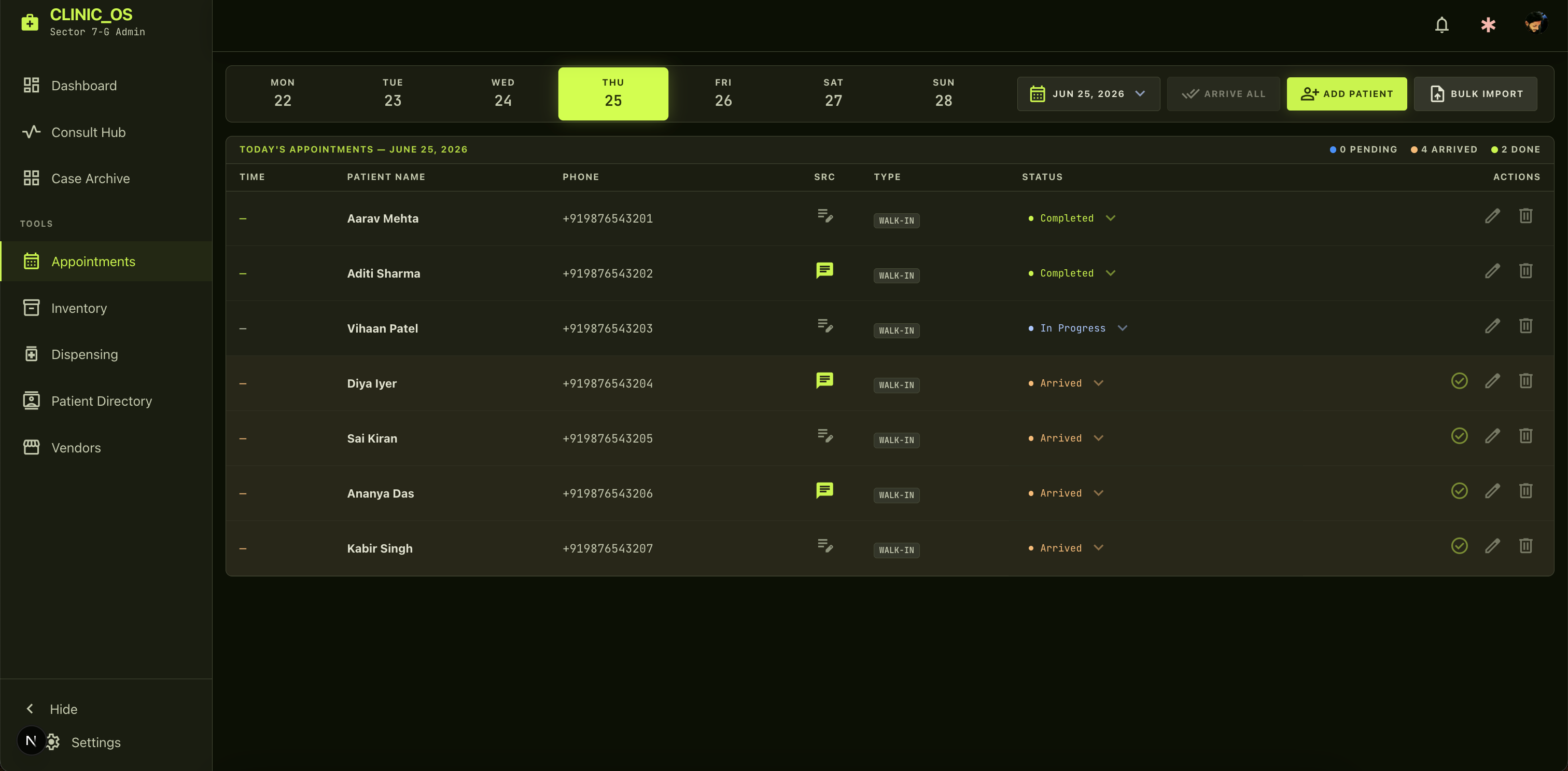
This pattern makes mutations feel instant regardless of network latency.
Fix 8: useRef Cache with Smart Invalidation — Keep It Simple
Even with optimistic updates, fetchAppointments still fired on date changes. I added a 30-second in-memory cache using useRef to eliminate redundant fetches when navigating back to the same date.
const fetchCache = useRef<Map<string, { data: Appointment[]; ts: number }>>(new Map())
const CACHE_TTL = 30_000

async function fetchAppointments() {
  const key = `${format(selectedDate, 'yyyy-MM-dd')}:${q}`
  const cached = fetchCache.current.get(key)
  if (cached && Date.now() - cached.ts < CACHE_TTL) {
    setAppointments(cached.data) // instant — no network call
    return
  }
  fetchCache.current.set(key, { data: result, ts: Date.now() })
}
Why useRef instead of React Query? I could have brought in SWR or React Query, but it felt like overkill for a single route's caching requirement. A 10-line useRef map solved the problem perfectly with zero bundle-size penalty.
Fix 9: Skeleton Loading States — Never Show a Blank Screen
None of this eliminates the first cold load. For that, I added skeleton screens using Next.js App Router's Suspense boundaries (loading.tsx). These fire automatically before any JavaScript runs, making the perceived wait dramatically shorter.
Before vs. After
| Metric | Before | After |
|---|---|---|
| API cold call | 4,200–8,800ms | ~600ms |
| API warm call | 4,200ms | ~298ms |
| Doctor lookup (warm) | 1,449ms | 0ms (cache) |
| Dashboard query batches | 2 sequential | 1 parallel |
| Inventory data transferred | 3-level join | Flat select (~80% less) |
| AuditLog on page load | Full table scan | Removed entirely |
| Empty flash on load | Always | Never (skeleton) |
| Status change re-fetch | 5s blocking | 0ms (optimistic) |
What This Taught Me About Performance
- Measure before you optimize. The instinct to "add indexes" would have saved maybe 500ms. The actual root cause — TCP latency — was worth 10×. You can't guess this. Instrument first.
- Every network round-trip is expensive. In a distributed system, reducing network hops matters more than query optimization when latency is high.
- Overfetching is a silent killer. ORMs make it dangerously easy to drag a 3-level deep object graph across the network. Fetching only what your UI renders saves bandwidth, JSON parsing time, and Node memory.
- Perceived performance ≠ actual performance. Optimistic UI and skeleton screens don't make the app faster — they make it feel faster, which for users is exactly the same thing.
- Design is often dictated by backend constraints. Building this completely changed how I look at other products. I don't just see UI elements anymore; I see the backend reasons for them. When I see pagination numbers instead of infinite scroll, I immediately know it's there to keep cache keys predictable and database offsets snappy.
Explore ClinicOS
Want to see the final product? Check out the interactive onboarding demo and full feature showcase for ClinicOS.
View ClinicOS Product PageAbout the author
Suyash
I build software that solves real problems — currently ClinicOS, a clinic management system I designed sitting in my brother's clinic, watching him work. When I'm not writing code, I'm behind a camera shooting landscapes, working a bag, swinging a steel mace, or on a yoga mat. The through-line across all of it: discipline, craft, and an obsession with doing things right.